
Lodge Corporation · App support
Lodge
ChromaVoyage
A voyage through real-time digital art and electronic music, inspired by the Amiga demoscene.
01 · Getting started
Press Start. Take the voyage.
No account, sample files or additional downloads are needed. After installation, the visuals and both music tracks are available offline.
Start the megademo
Open the app and tap Start the Lodge ChromaVoyage Megademo. The controls start hidden so the effects fill your screen.
Reveal the controls
Tap the screen, or use Show controls at the top right. You can pause or resume, change scenes, restart, mute the sound and close the demo. Tap again or choose Hide controls for the full-screen experience.
Choose your starting point
Open Scene index from the home screen to start with a specific scene. During playback, use Choose scene to jump within the current cycle. Rotate your device for portrait or landscape.
Enjoy another cycle
The 18 effects appear once per cycle in a shuffled order. At the finale, The end and Thanks for watching stay on screen. Tap anywhere to begin a new cycle; the controls will be visible again.
02 · Common questions
Let’s get you back on track.
I can’t hear the music.
Check the app’s mute button and the volume slider in Sound settings. Then check your device’s media volume and its selected speaker, headphones or Bluetooth output.
Before the Signal plays across the Experience, Scene index and Credits menus. Starting the demo switches to Infinite Signals. Both tracks are bundled with the app.
Where have the controls gone?
The first cycle starts with the interface hidden. Tap the screen or the top-right Show controls button to bring it back. This does not require restarting the app.
The ending stays on the screen. Is the app stuck?
The finale waits for you deliberately, while its animation and music continue. Tap anywhere on the credits screen to start another shuffled cycle.
The demo paused after I switched apps or took a call.
Playback pauses when the app becomes inactive or audio is interrupted. Return to the app, reveal the controls and choose Resume. On an active menu screen, the title theme resumes.
A visual effect is slow or the app stops responding.
Install the latest available app update, then close and reopen the app. If the device is warm, let it cool and try again. Low Power Mode and other activity can affect real-time graphics performance.
If the issue continues, contact support with the scene name, device model, OS version and app version/build. Please describe whether it happens in portrait, landscape or both.
Which devices and software versions are supported?
Lodge ChromaVoyage requires iOS 17 or iPadOS 17 or later and supports iPhone and iPad in portrait and landscape. Rendering adapts to the device; performance varies by model. The interface is in English.
Do I need an internet connection, an account or a subscription?
No account or subscription is needed to use the app. Its effects and music work offline after installation. There are no in-app purchases or advertisements. Downloading or updating the app through the App Store requires a connection.
Does the app collect personal information?
The app does not collect or transmit personal data, use tracking or analytics SDKs, or request access to your camera, microphone, photos, contacts or location. See the privacy policy for the app and for what happens if you contact support.
How can I request a feature or report an accessibility issue?
Use the contact section below. Choose the relevant topic and explain what would make the experience work better for you. Feature requests and accessibility feedback are welcome.
03 · From the app
A glimpse of the voyage.
Genuine iPhone and iPad app captures. Select an image to see the full screenshot.
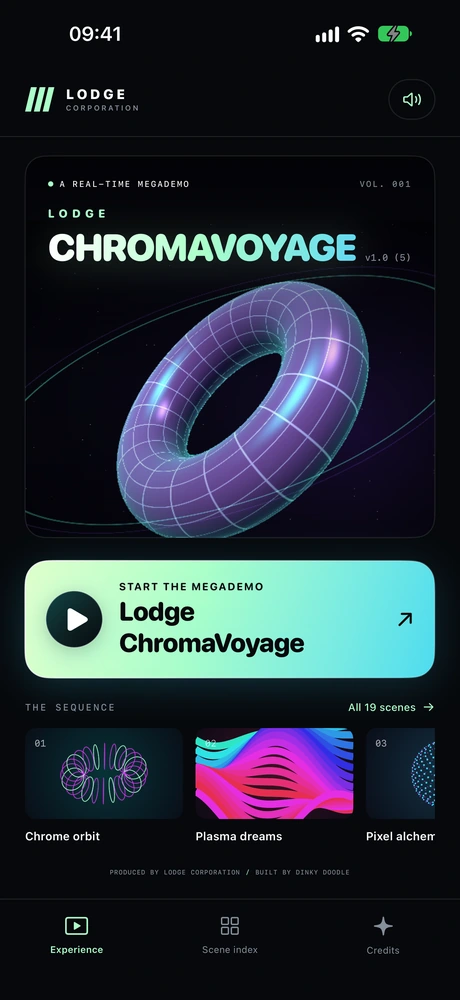
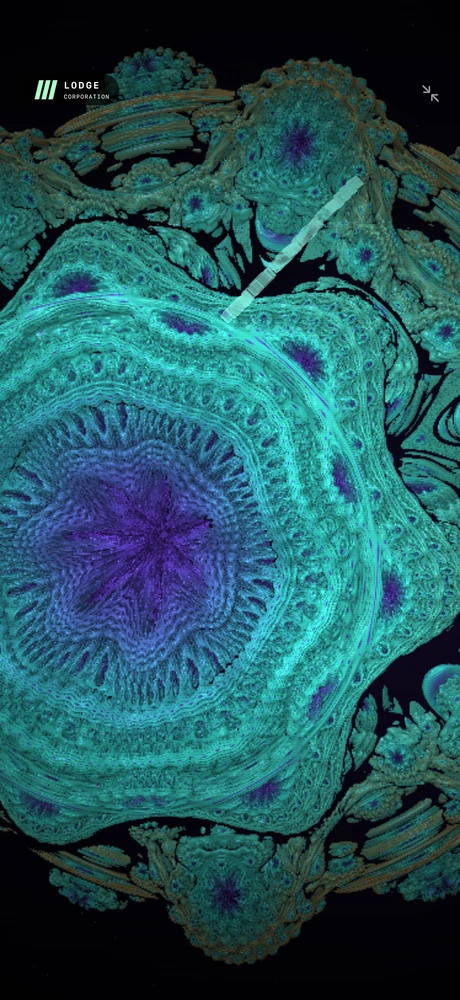
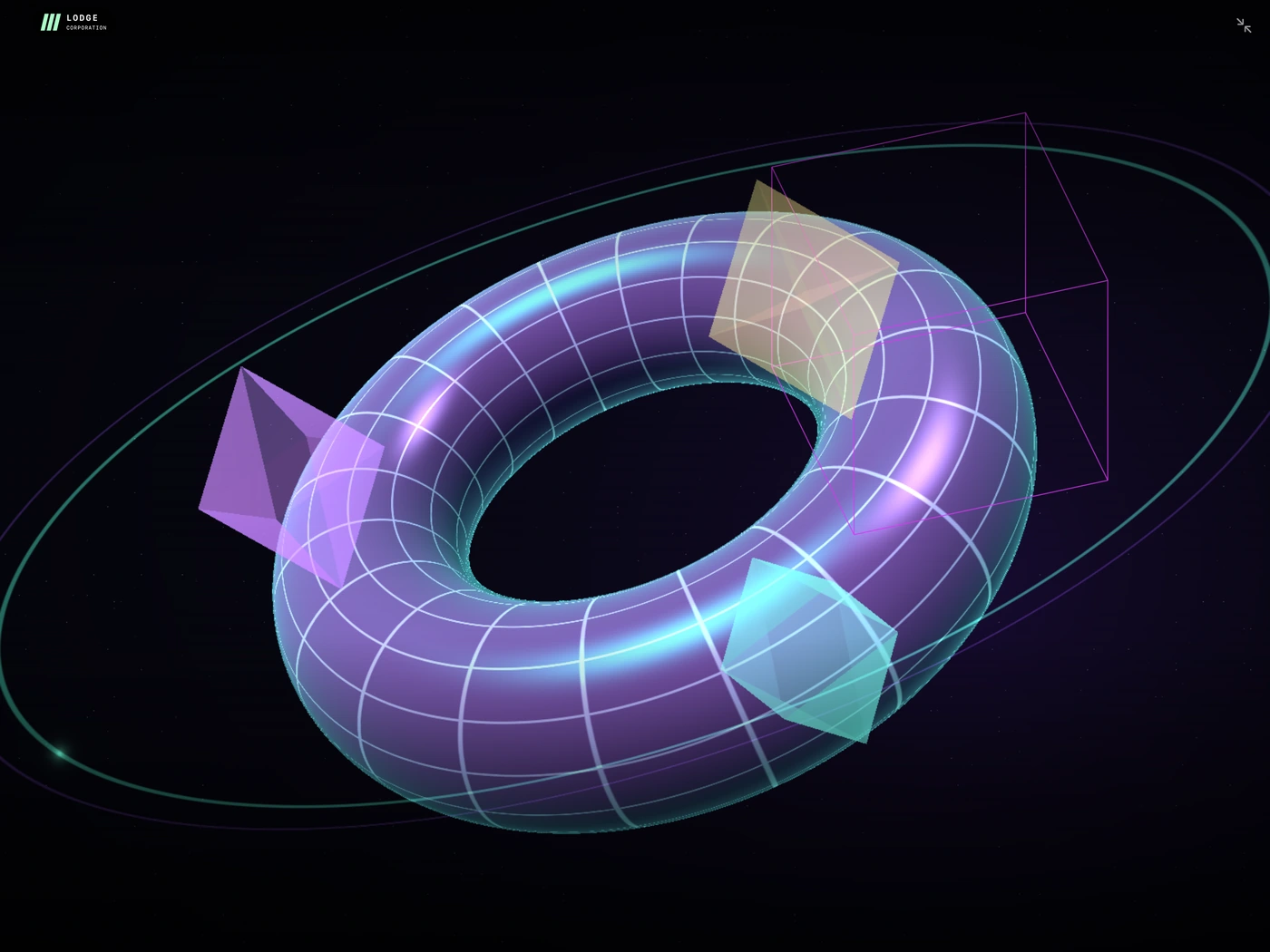
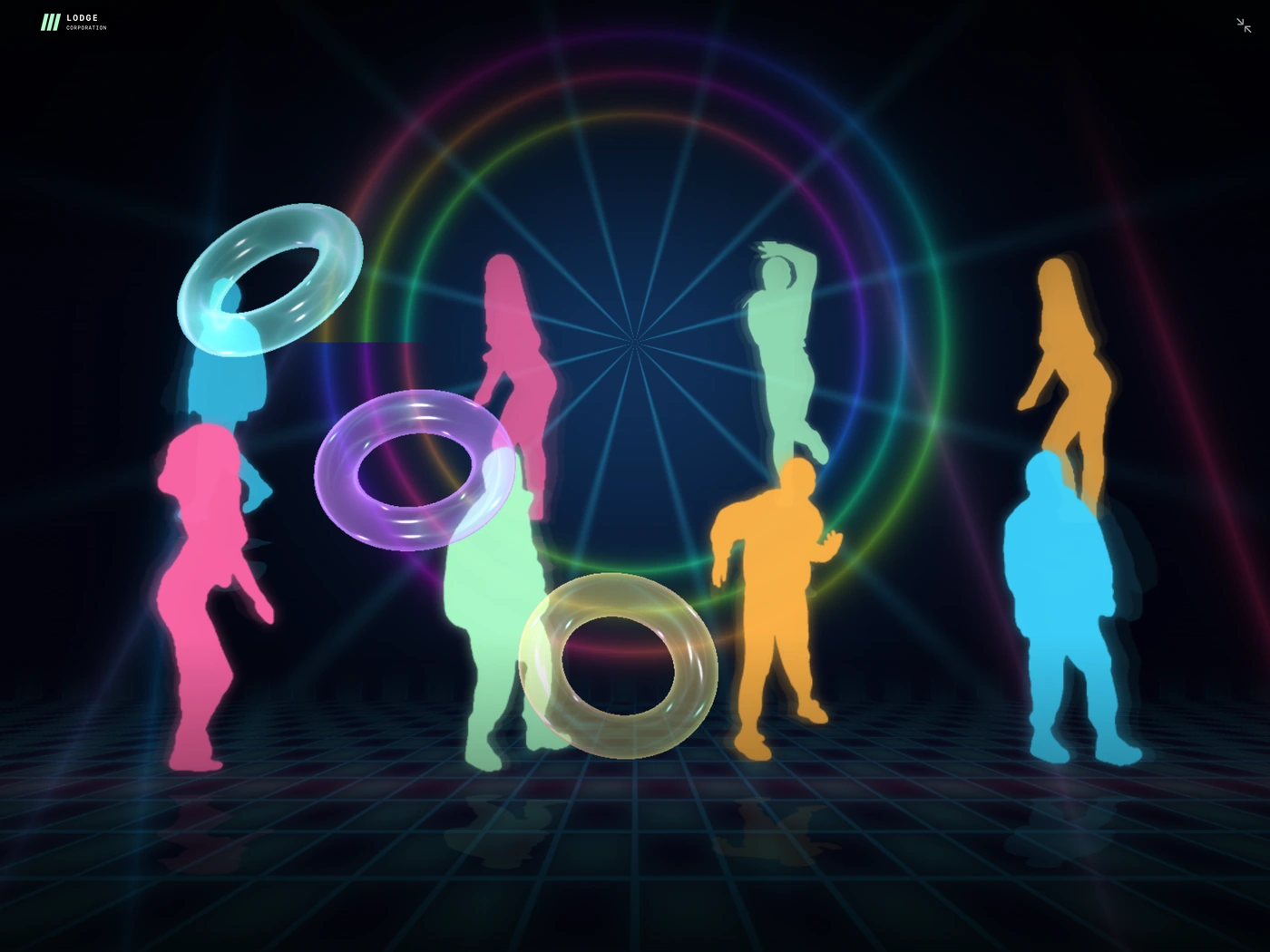
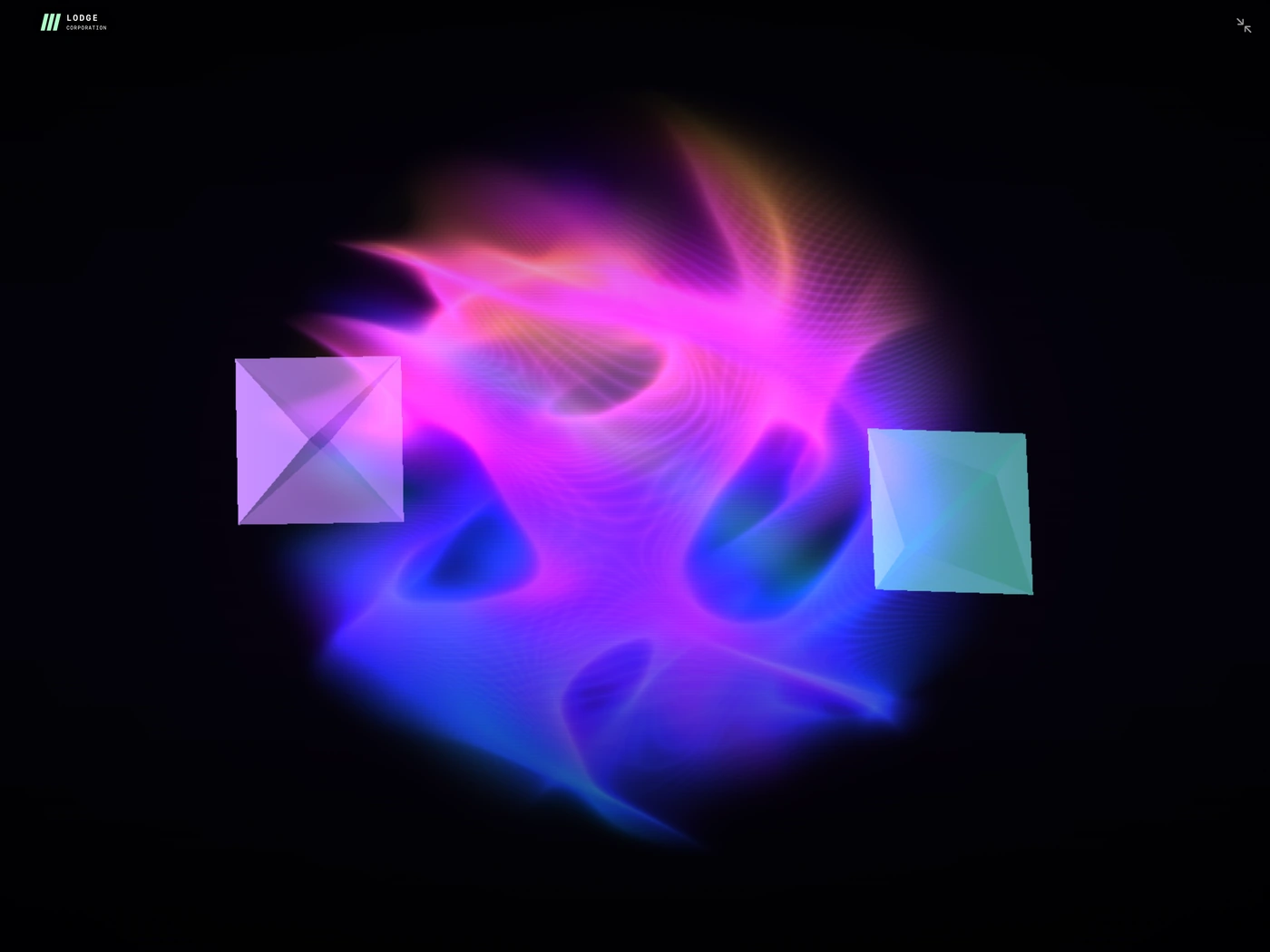
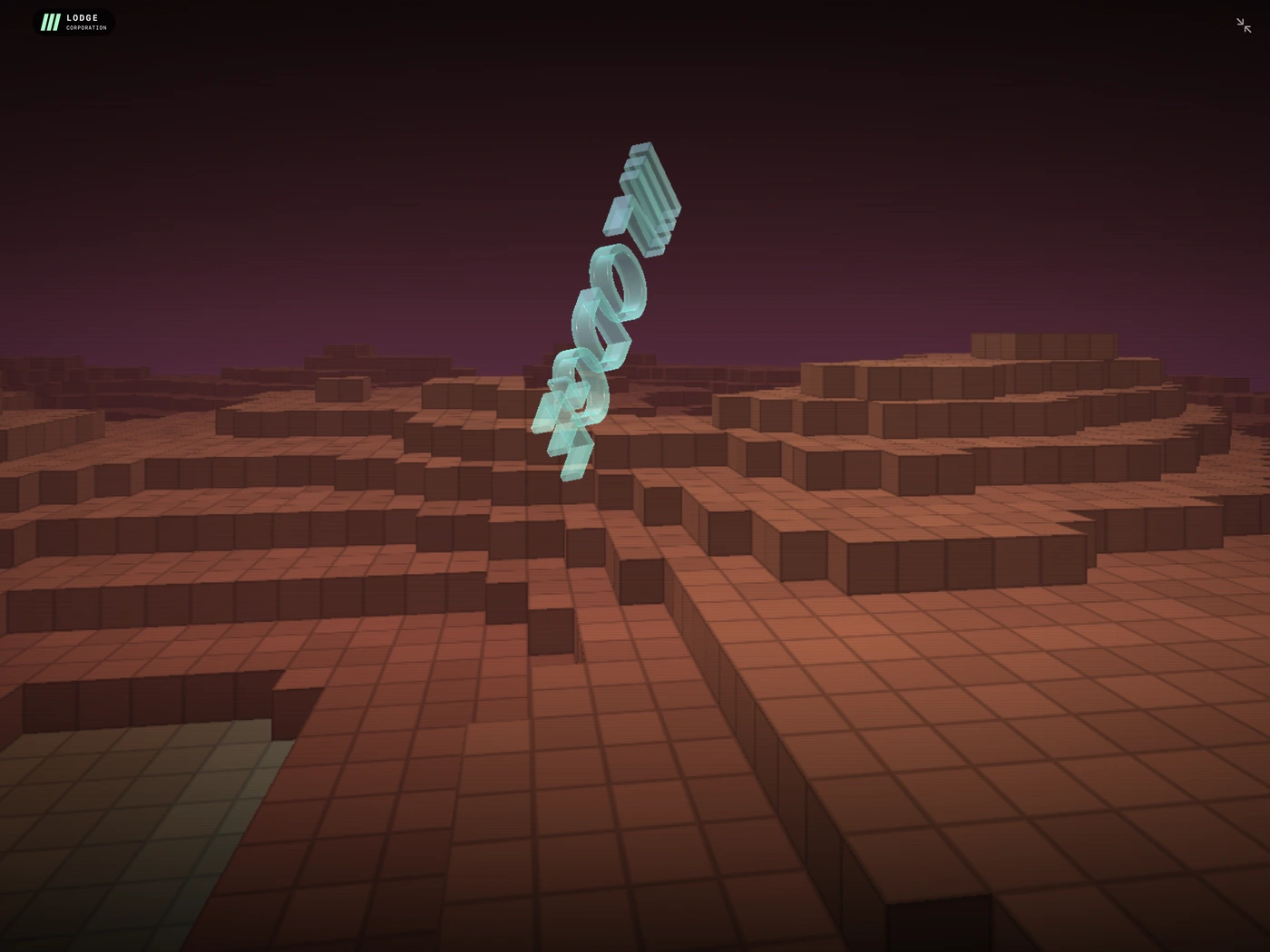
Screenshots show representative app screens; the small build number may differ from your installed version.
04 · Contact support
Tell us what’s happening.
For app problems, questions, feature requests and accessibility feedback, email Lodge Corporation.
To help us reproduce an issue, include the device model, iOS or iPadOS version, app version/build shown beside the title, and the affected scene. Screenshots can be attached in your email app.
Please share only the information needed to describe your issue. How support messages are handled.