
Lodge Corporation · App support
Motyx Nova
Momentum is your weapon. Keep your ship on the deck and knock your rivals into space.

01 · Getting started
Build speed. Aim for the rim.
Touch and drag to apply thrust. Release to coast; drag in the opposite direction to brake. Build momentum before a ram and watch for holes, orbital laser targets and collapsing floor tiles.
Each level begins with a countdown. New enemies and objects receive animated introductions. Open the Flight Manual on the title screen for more instructions, or use Practice to revisit discoveries. Depending on the level, the ability buttons offer Pulse, Missiles, Laser or a combination.
02 · Modes & unlocks
Discover the solar run.
Campaign contains 256 levels. Complete its milestones to unlock additional modes:
- Level 25: Daily Challenge — a shared new arena each day.
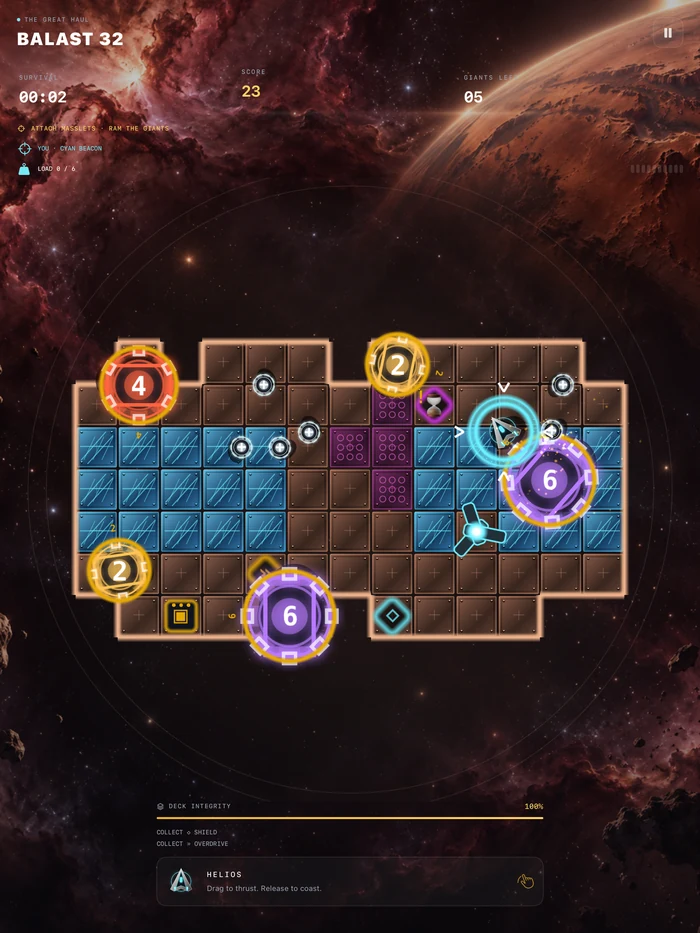
- Level 50: Balast — attach small drones to gain the mass needed to move giants.
- Level 75: Absorb — absorb rivals in the required strength order.
- Level 100: Guard — protect a vulnerable living core.
- Level 125: Solar Relay — connect the relay network and reach the exit.
Balast, Absorb, Guard and Solar Relay each have 32 levels. New ships are earned from your best score in a single Endless run. Campaign and Daily scores do not unlock ships.
03 · Common questions
Back to the arena.
How do I share progress between my iPhone and iPad?
Use the same Game Center and iCloud Apple Accounts on both devices and enable iCloud Drive. Open the cloud icon on the title screen, or Settings → Game Center & progress. Connect to the internet, finish sign-in if requested, then tap Sync Now on each device.
Progress, unlocked ships, mastery medals and saved Pulses can sync. Audio, haptics, reduced effects and the equipped ship stay local. You can continue playing locally while offline.
What does New Game reset?
New Game restarts the selected mode’s active level progress and replays its introductions. Permanent unlocks, records, medals and saved rewards are retained. It does not erase every local or Apple cloud copy; see the privacy policy.
How do Daily Challenge rewards work?
A new Daily Challenge begins at midnight UTC. Every three newly earned Daily mastery medals grant one saved Pulse. Saved Pulses stack and can be used in eligible Pulse-enabled flights outside Daily Challenge and Practice. Starting and collected charges are used before saved Pulses.
I can’t hear the music or effects.
Check the game’s separate Music and Sound Effects settings, your device volume and selected speaker, headphones or Bluetooth output. Haptics and Reduced Effects also have their own settings.
Do I need an account, subscription or internet connection?
No Lodge Corporation account or subscription is needed. Local play, music and effects work offline after installation. Optional Game Center rankings and iCloud progress sharing need an internet connection and Apple accounts. The current game has no advertisements or in-app purchases.
Where can I find privacy information?
Read the Motyx Nova privacy policy for on-device information, optional Apple services, support messages and your choices.
04 · From the game
Across the solar arenas.
Genuine iPhone and iPad gameplay captures. Select an image to see the full screenshot.
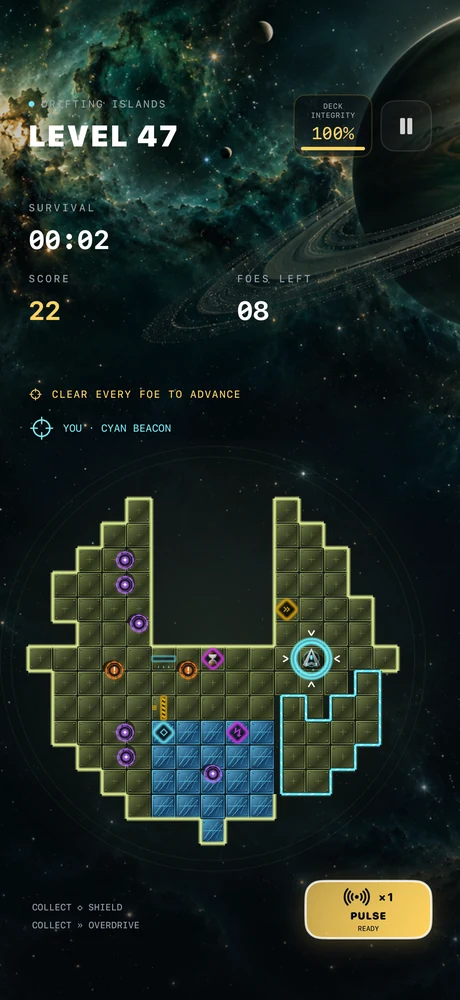
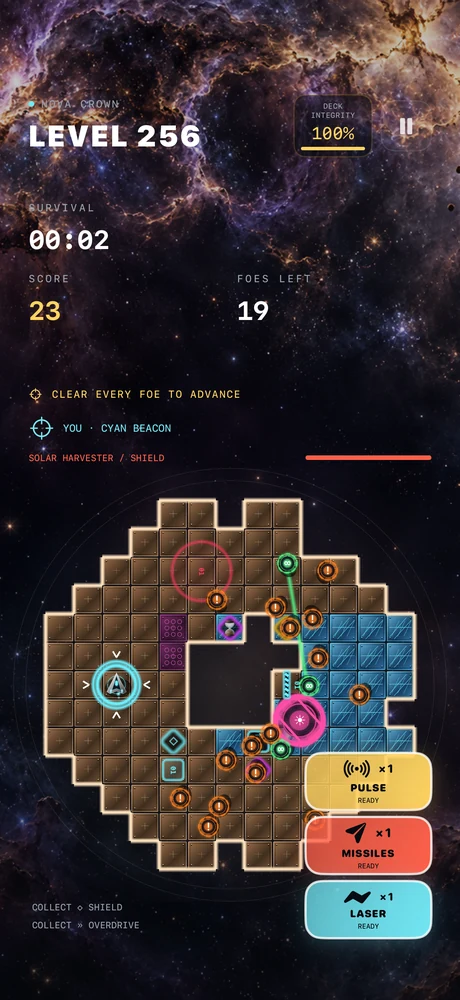
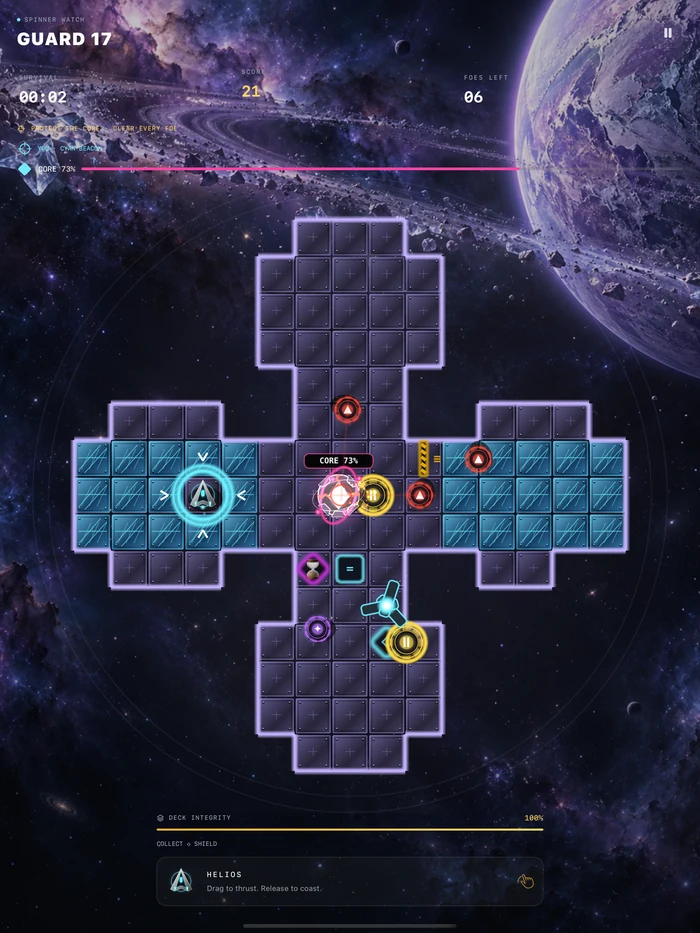
05 · Contact support
Tell us what happened.
For technical issues, feature requests, privacy questions or accessibility feedback, email Lodge Corporation with Motyx Nova in the subject.
Include your device model, iOS/iPadOS version, game mode and level, and what happened. Screenshots can help. Your email app controls sending and attachments; this page does not submit a report to a website server. Never send your Apple Account password or verification codes.